Replaced a week of manual spreadsheet work with same-day scheduling.
Host Scheduler
The problem
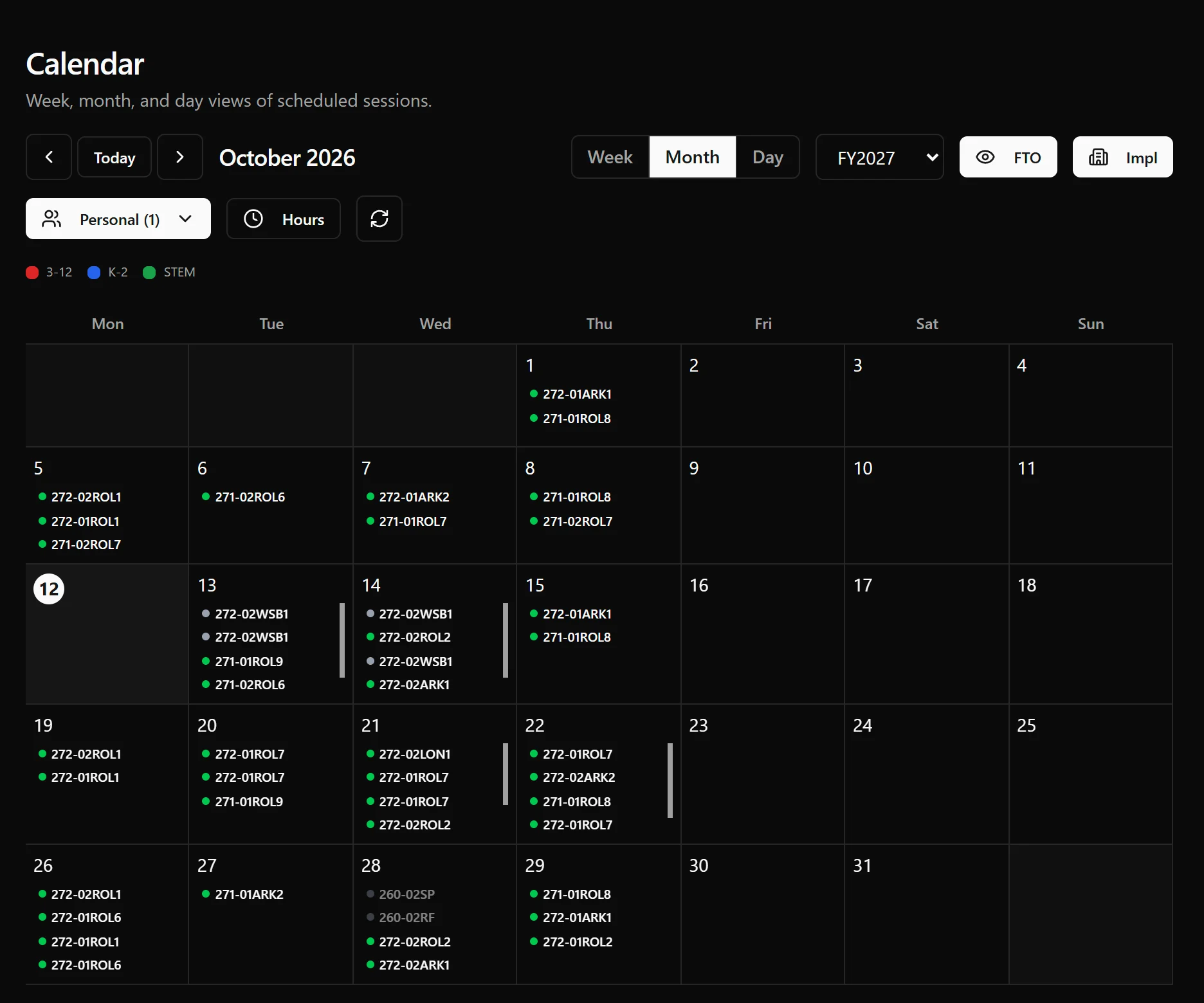
Scheduling faculty hosts for live course sessions ran on a handful of spreadsheets. It took the better part of a week each quarter, and double-bookings and missed time-off still got through.
What I built
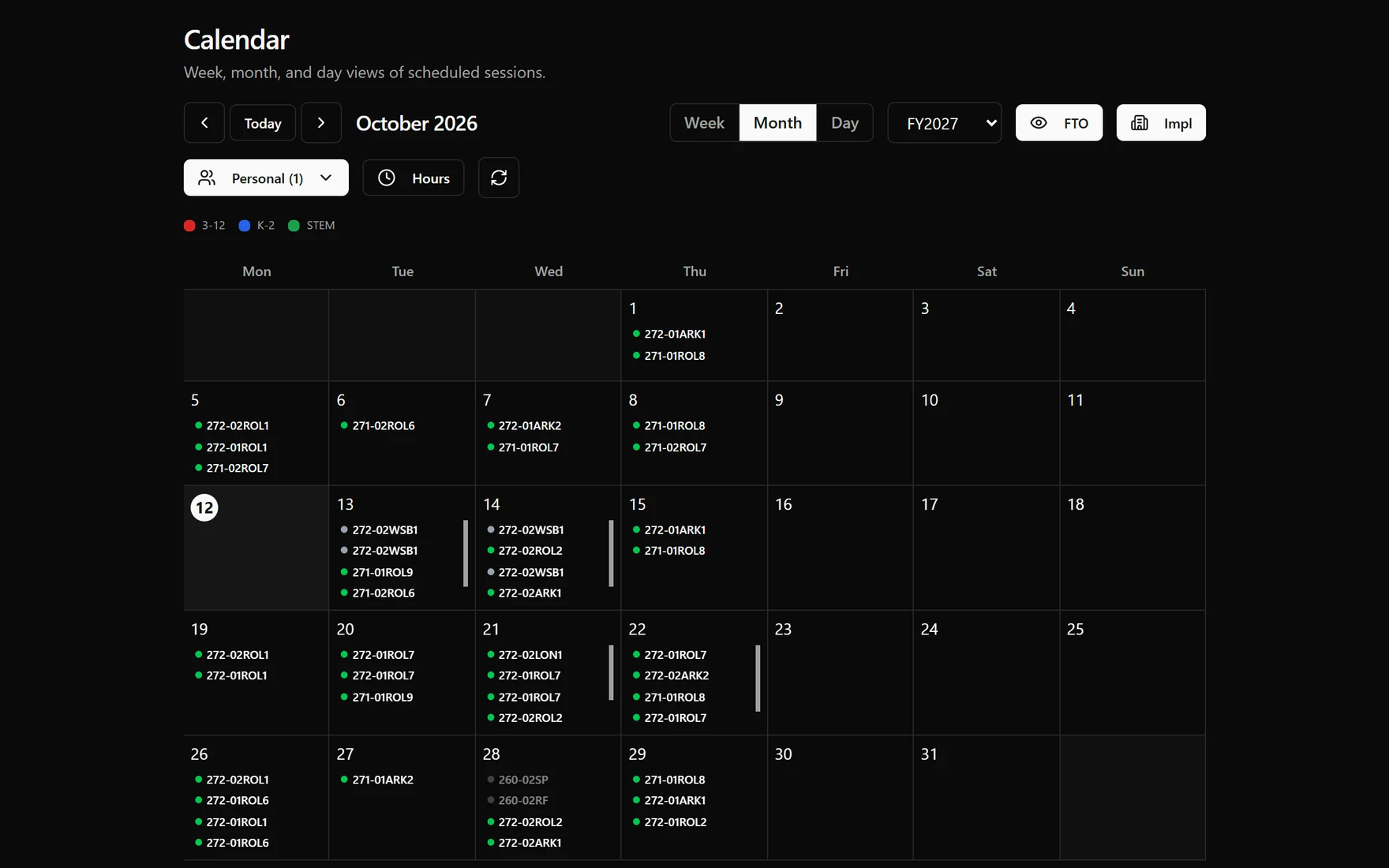
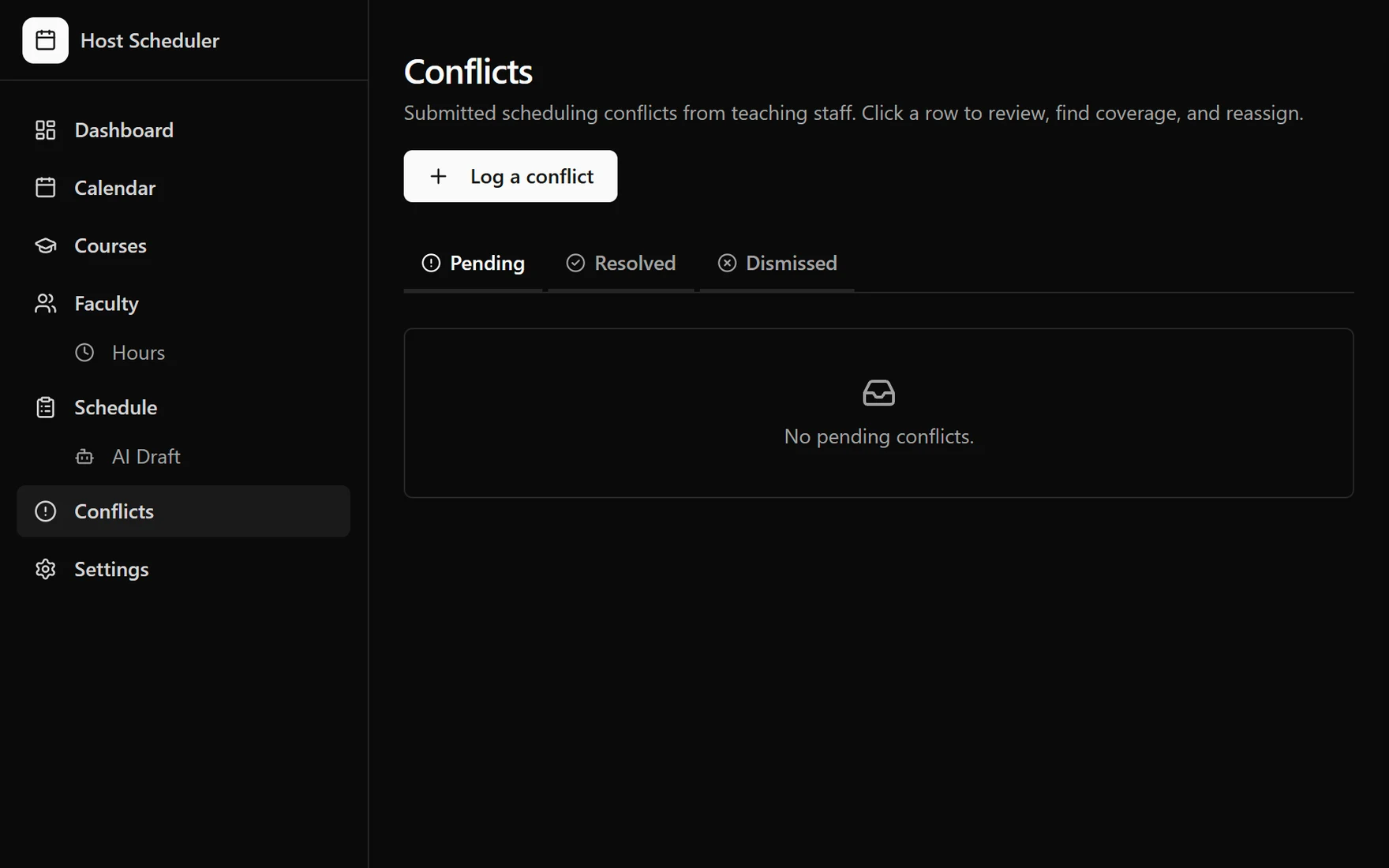
A scheduling app that pulls courses, sessions, and hosts from Salesforce and time-off from the team's calendars, then handles the actual scheduling — manually, in bulk, or drafted by AI — with conflicts checked before anything is ever published.
I wrote the spec, designed the app, and built nearly all of it.
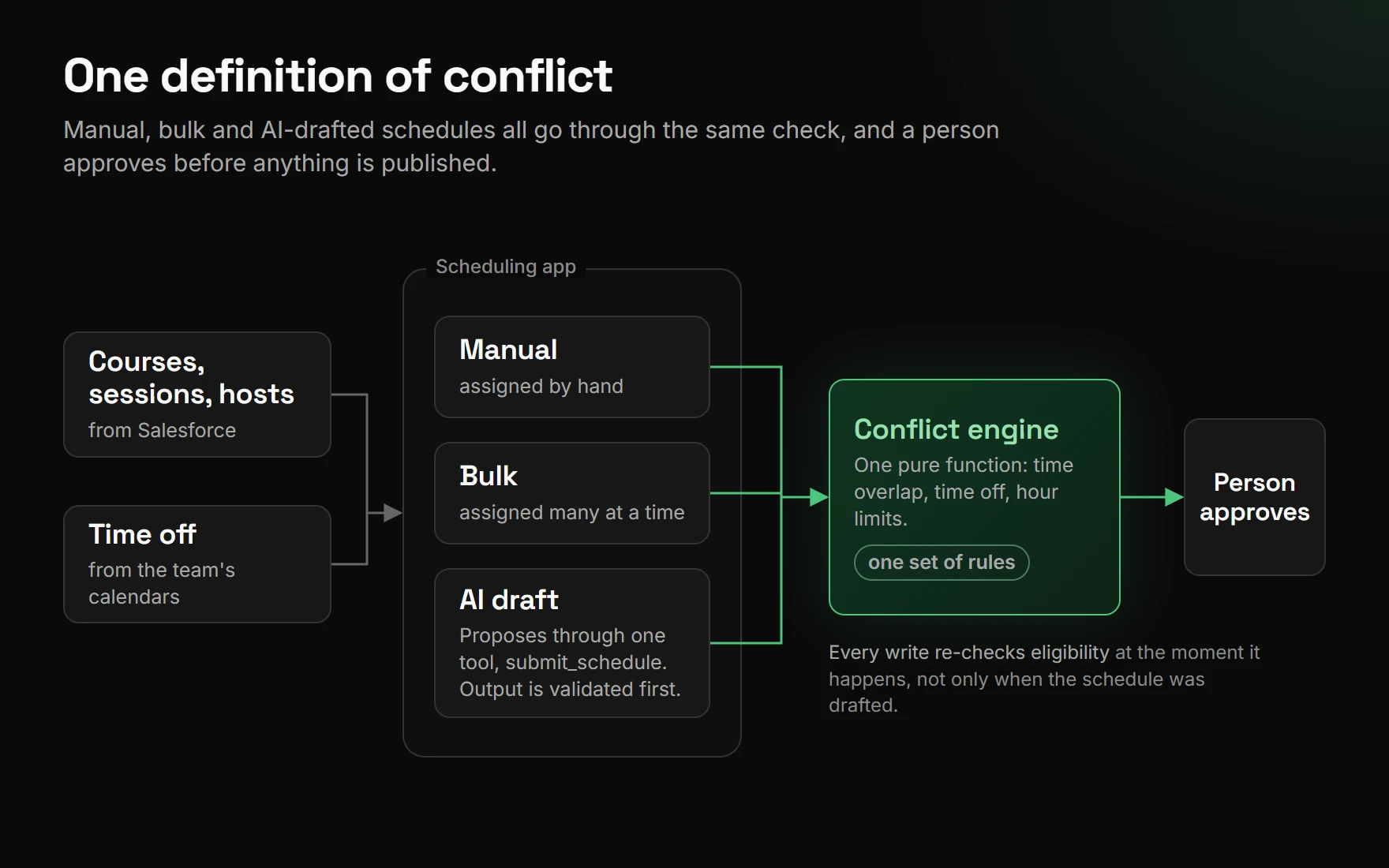
- AI drafts, a deterministic engine verifies. The model proposes a schedule through constrained tool-use — it can only call a
submit_scheduletool, and its output is validated before anything happens with it. Every proposal is re-checked by the same conflict engine that manual assignment uses, so the AI doesn't get a looser standard than a human does. A person approves before anything is published. - The conflict engine is one pure function. It is shared by manual assignment, bulk assignment, and AI validation — one place checks time overlap, time off, and hour limits, so there's exactly one definition of "conflict" in the whole system, not three that can drift apart.
- Timezones were the real bug source. The app runs in UTC; the org runs on Eastern time. A correction pass handles daylight saving in both directions and treats sessions as half-open intervals, which fixed sessions that crossed midnight and one that spanned an entire year.
- Fails closed, on purpose. Every write re-checks eligibility at the moment it happens, not just when a schedule was drafted — and a new feature ships switched off until it's been proven against real data, not just tested.
Where it stands
In production use, replacing a process that used to eat a week of someone's quarter.
What this taught me
The AI-drafts-a-schedule idea was the easy part. The actual design problem was making sure a wrong AI suggestion was exactly as easy to catch as a wrong human one — same conflict engine, same review step, no special trust extended just because a model produced it.