A free WordPress.org plugin that changes how password-protected and private posts look.
Customize Private & Protected
The problem
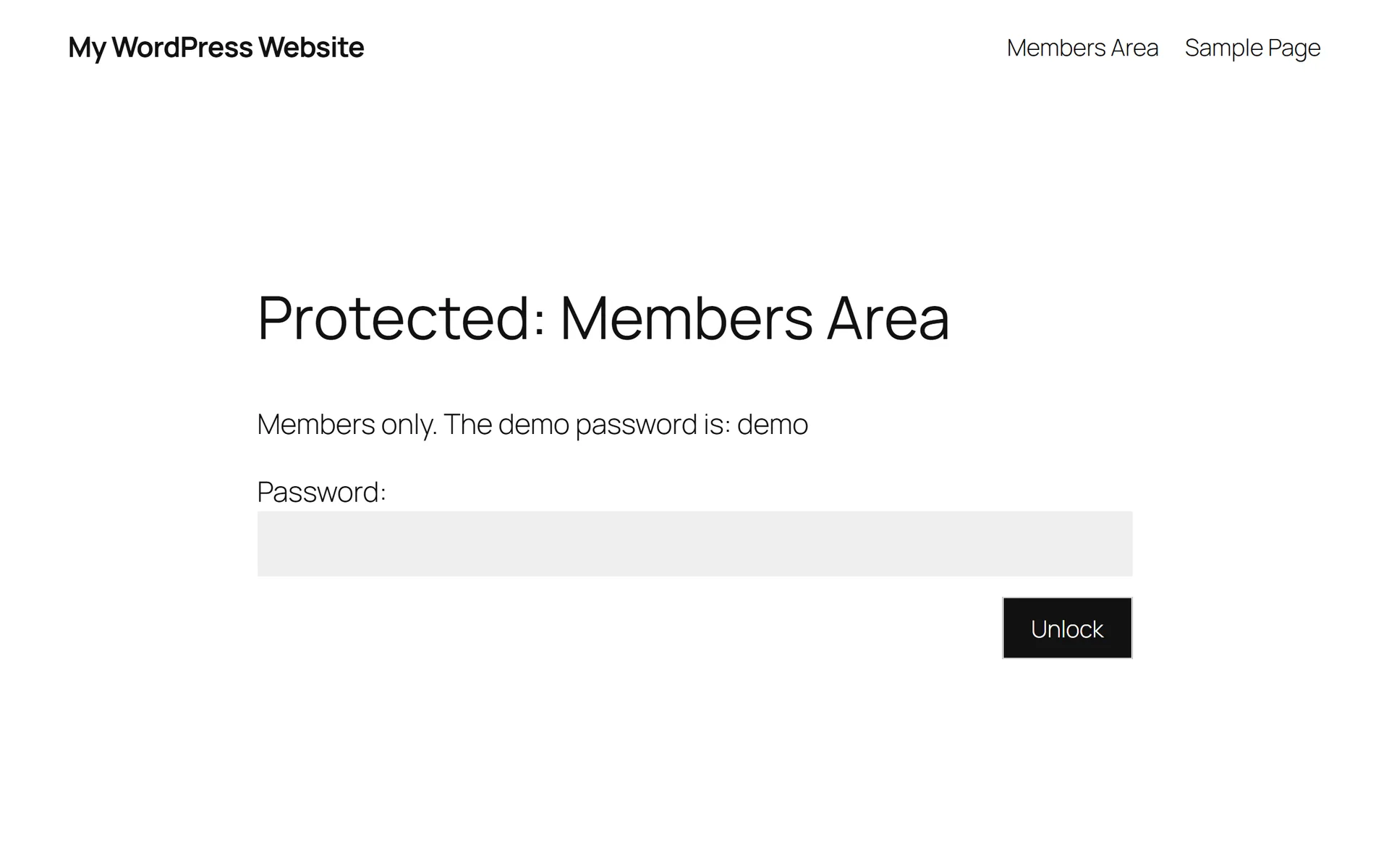
WordPress puts "Protected:" or "Private:" in front of the title of any post with a password or a private status, and shows one stock password form. Changing either meant writing code, and on block themes the Customizer, where theme options used to live, is hidden by default.
What I built
A free plugin on WordPress.org that changes how WordPress's own password-protected and private posts look, and nothing else. It hides or rewrites the title prefix, rewords and recolors the password form, and adds widget areas around it. There is no second password system, no Pro tier and no upsell.
I wrote it and I maintain it alone: every commit is mine.
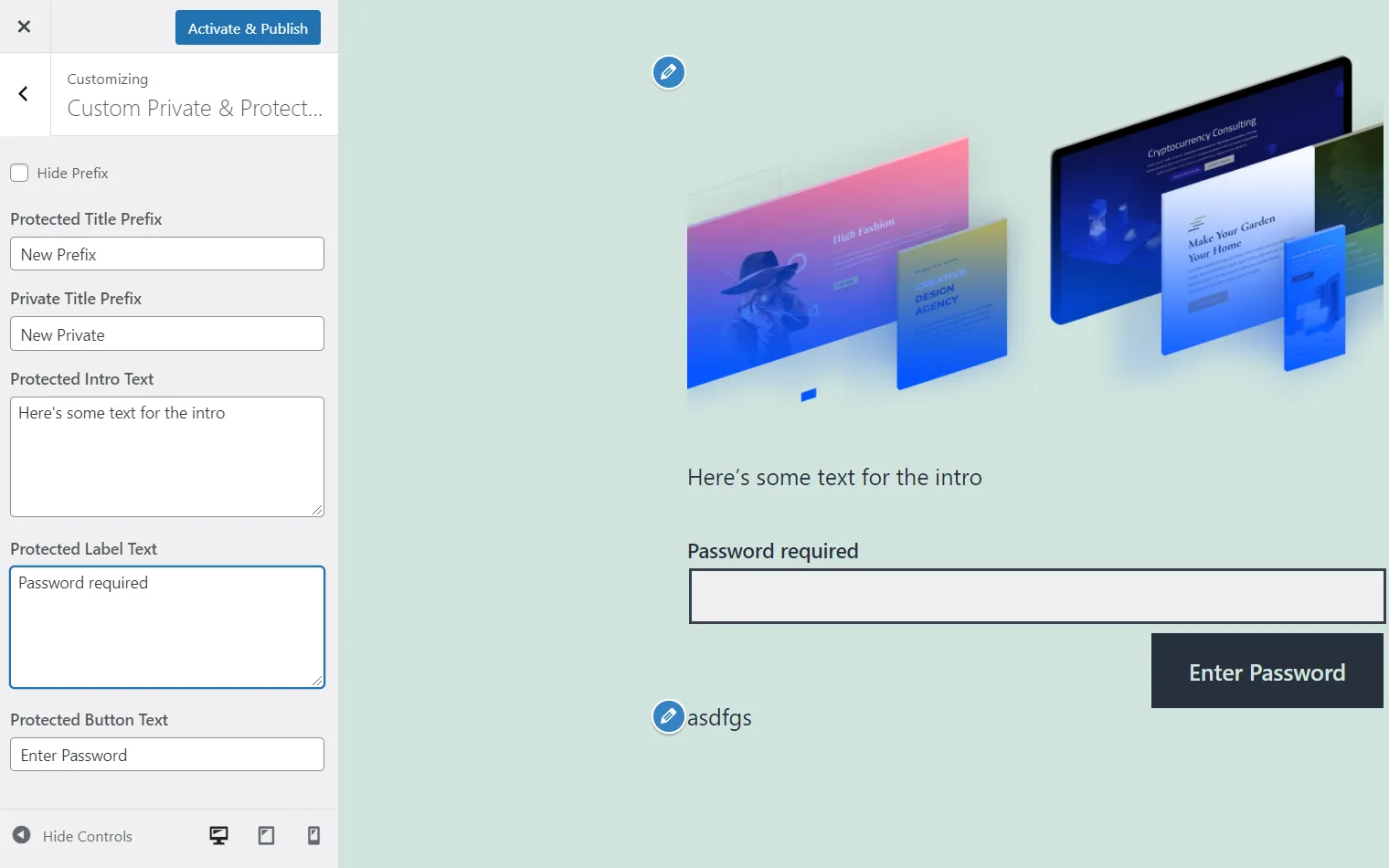
- It extends WordPress instead of replacing it. The custom form posts to WordPress's own password handler, so checking the password, setting the cookie and the error flow all stay core's. The plugin works through the filters core already exposes for titles, the form, the cookie and queries.
- The options don't depend on the Customizer. Block themes hide it by default, so version 1.5 added a Private & Protected page under Settings, built from one field list and saving to the same options. Either screen edits the same values. The options added in 1.6 live only on the settings page.
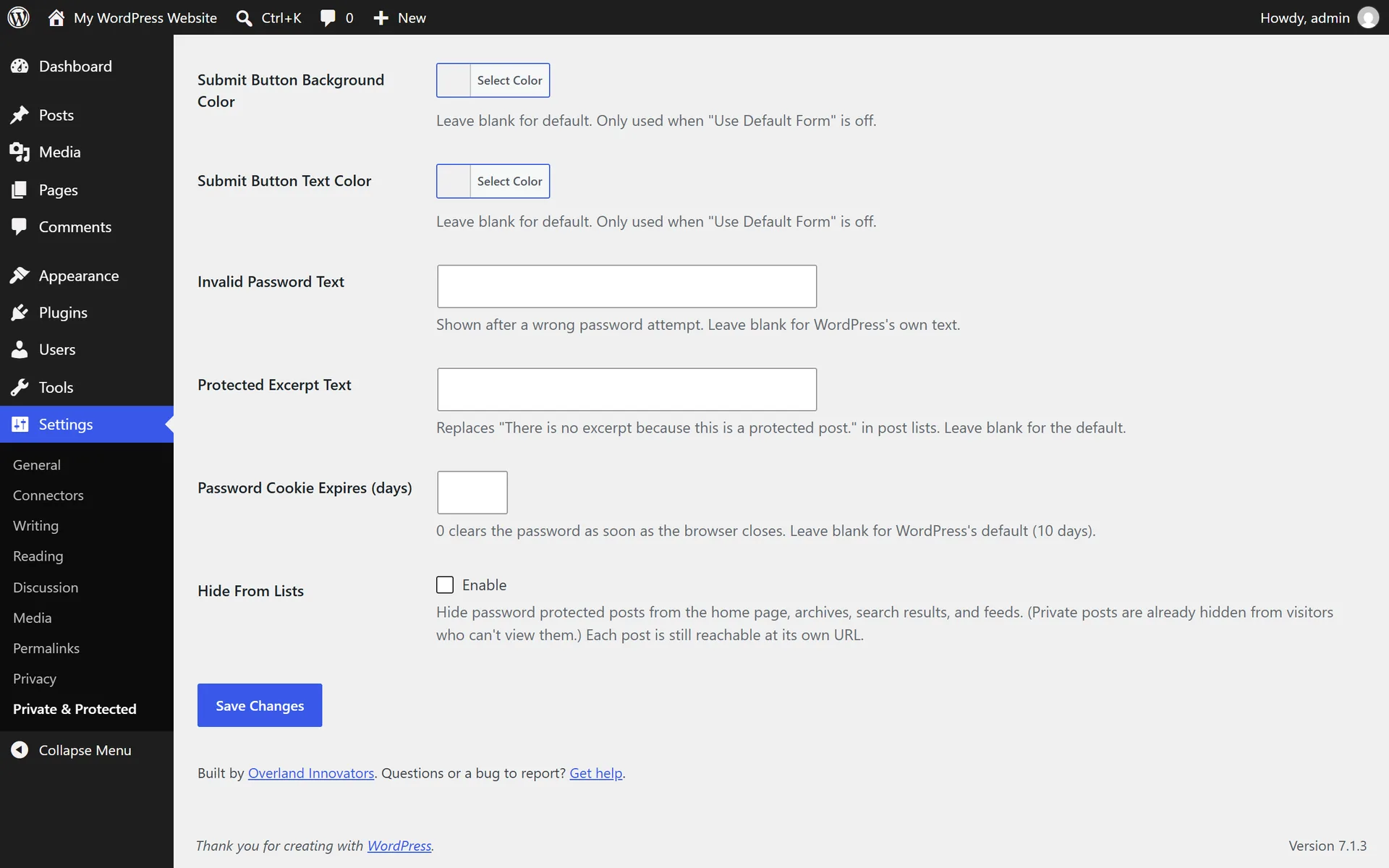
- One option needed a different hook. WordPress hard-codes the "There is no excerpt because this is a protected post." text and skips the excerpt filter, even inside a block theme's Query Loop. The translation filter is the one hook that reaches both, so the plugin uses it, and registers it only when a custom text is set.
- Hiding a post from lists, not from the world. Protected posts can be left out of the homepage, archives, search and feeds, and still open at their own URL. The main query and a block theme's Query Loop take different hooks, and the plugin covers both.
- Two widget areas around the form. They appear under Appearance > Widgets, block themes included, so an editor can add blocks above or below the password box without touching a template.
Keeping it maintained
- A code-quality pass on 2021 code. Version 1.4.0 fixed what a fresh read turned up: a live preview that rendered nothing for the private prefix and the wrong string for the protected one, checkboxes sanitized as text, and a body class that marked a whole archive private because its first post was.
- Wrong-password errors are announced. The custom form's error message wasn't linked to the password field, so screen readers skipped it. Fixed in 1.6.0, along with the labels on the settings page.
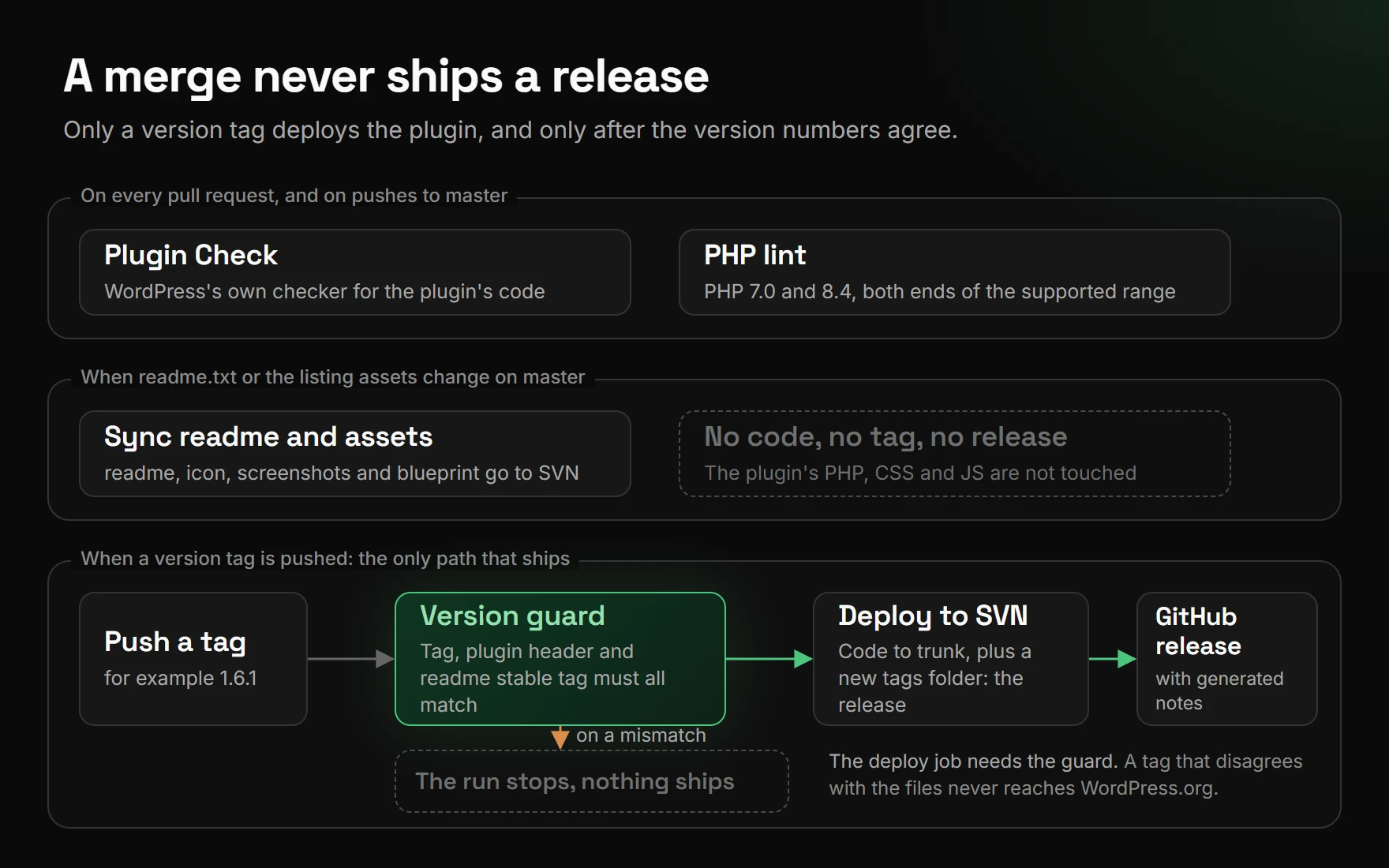
- Releases go through a pipeline. Pushing a version tag deploys to WordPress.org from GitHub Actions. A guard step fails the run unless the tag, the plugin header and the readme's stable tag all match. WordPress's Plugin Check and a PHP lint on 7.0 and 8.4 run on every pull request.
- A deploy mistake, and the fix. From 1.3.6 on, every release published the plugin's own
.gitdirectory, with its full history, to the public SVN repository, because the ignore list never named it. It was purged and fixed in 1.6.0, and the cleanup steps are in the release guide. No secrets were ever in that history.
Where it stands
On WordPress.org since August 2021, at version 1.6.0 (September 2026) and tested through WordPress 7.1. It has more than 400 active installs and is rated 4.7 from three ratings. Free under the GPL, with no paid tier.