Share live Salesforce data with anyone — no license required.
Koto
The problem
Salesforce data is locked behind a license. Sharing it with a board member, a partner, or a customer means an export, a screenshot, or a consultant — and by the time it lands in someone's inbox, it's already stale.
What I built
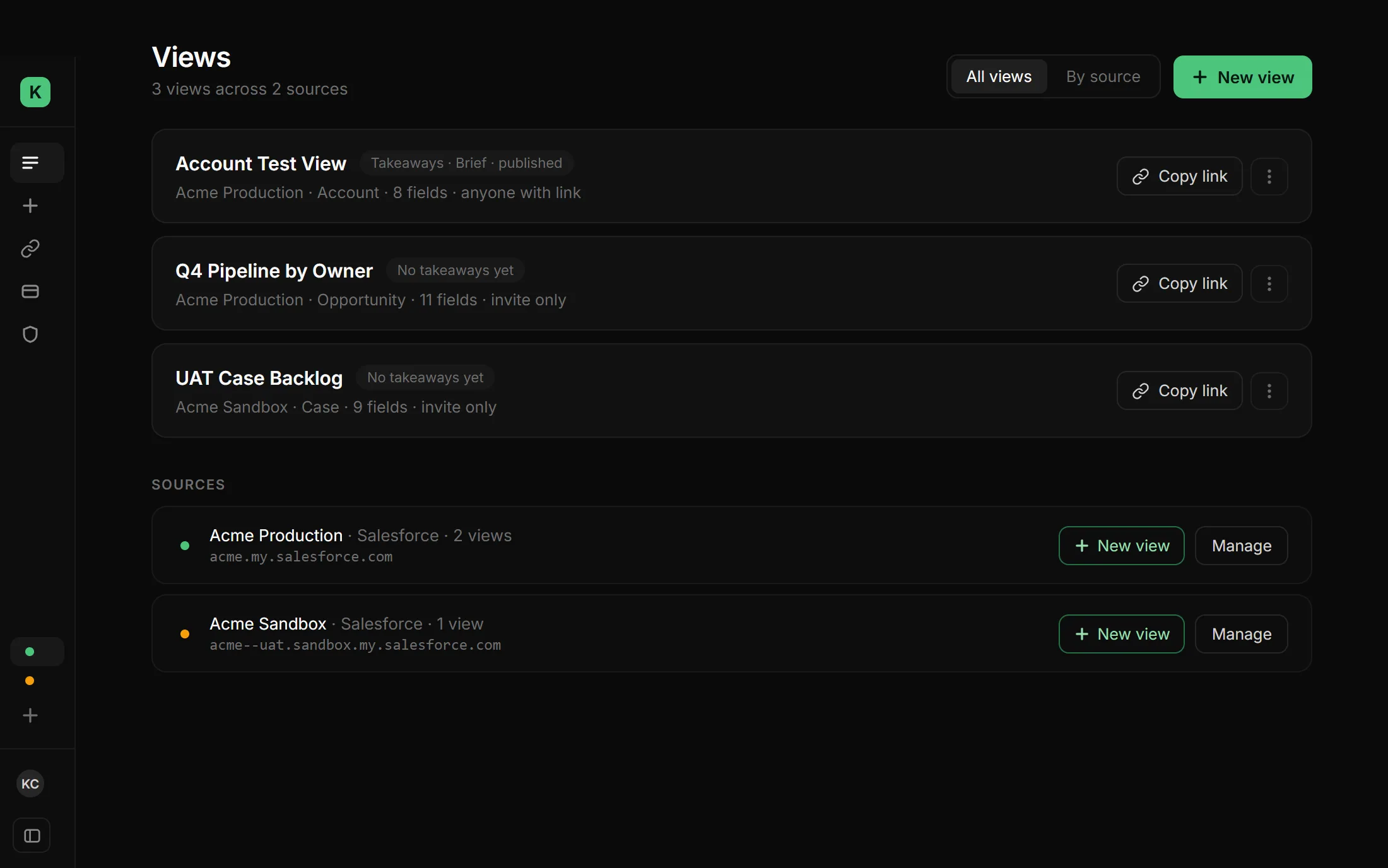
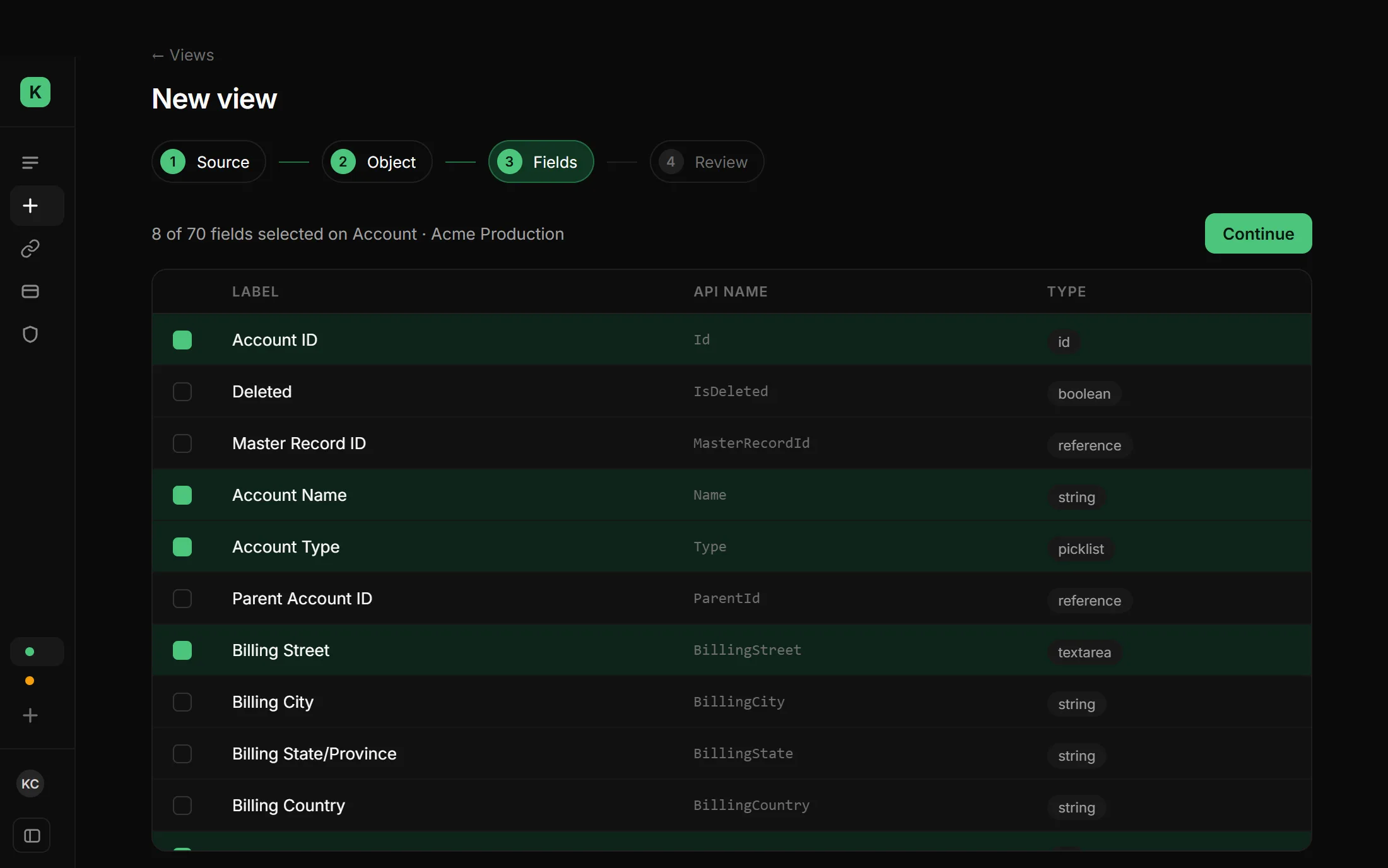
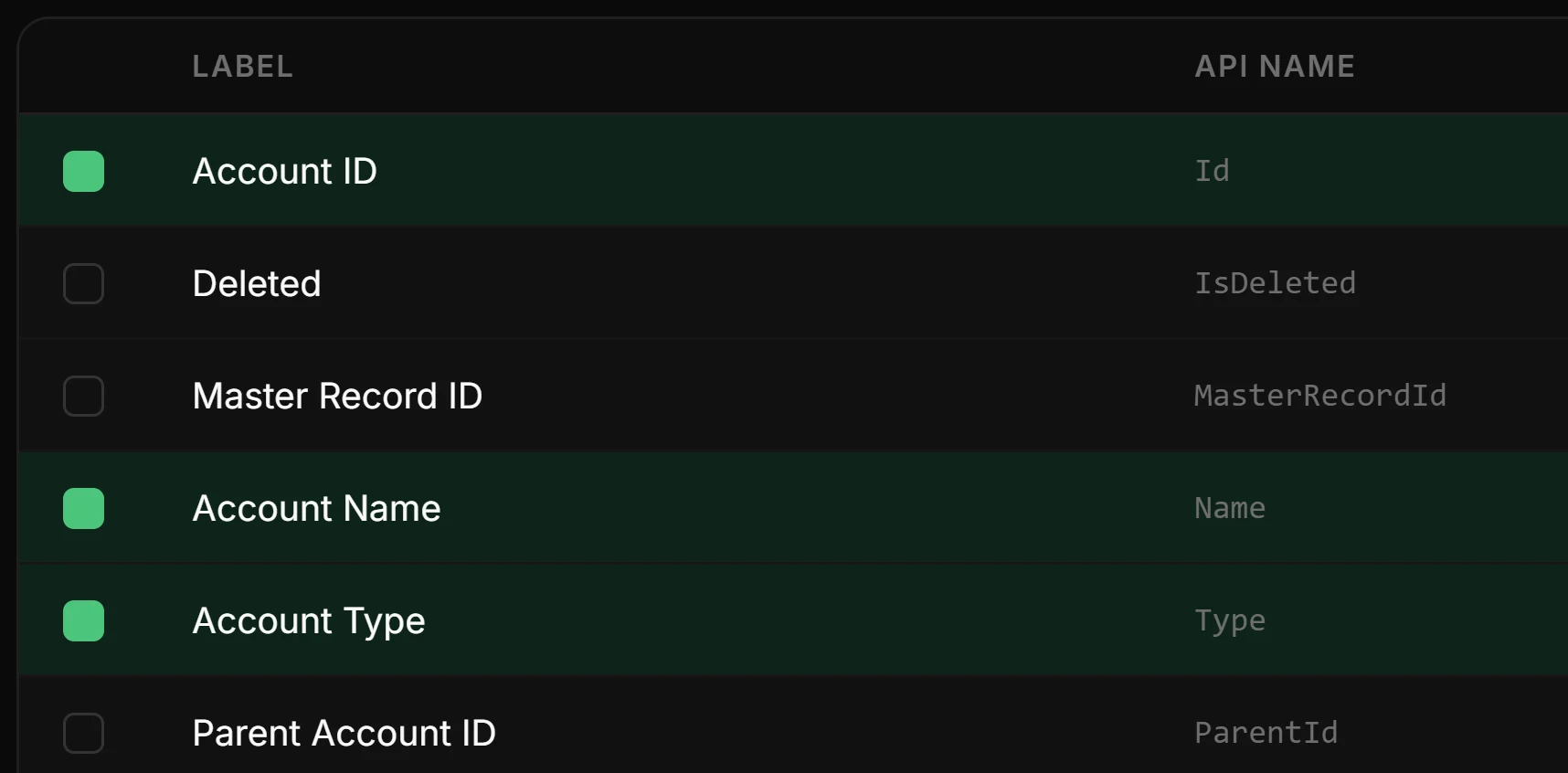
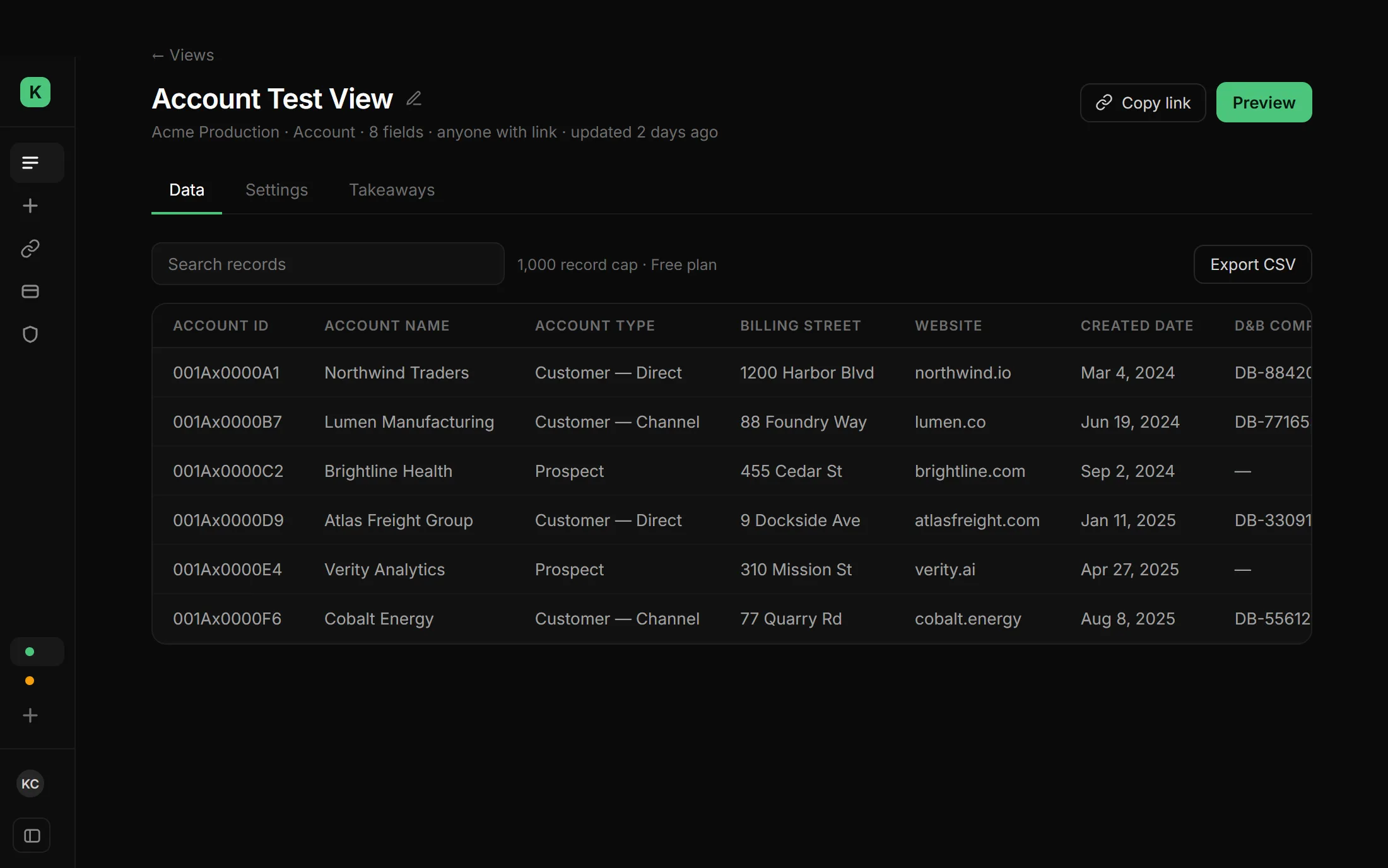
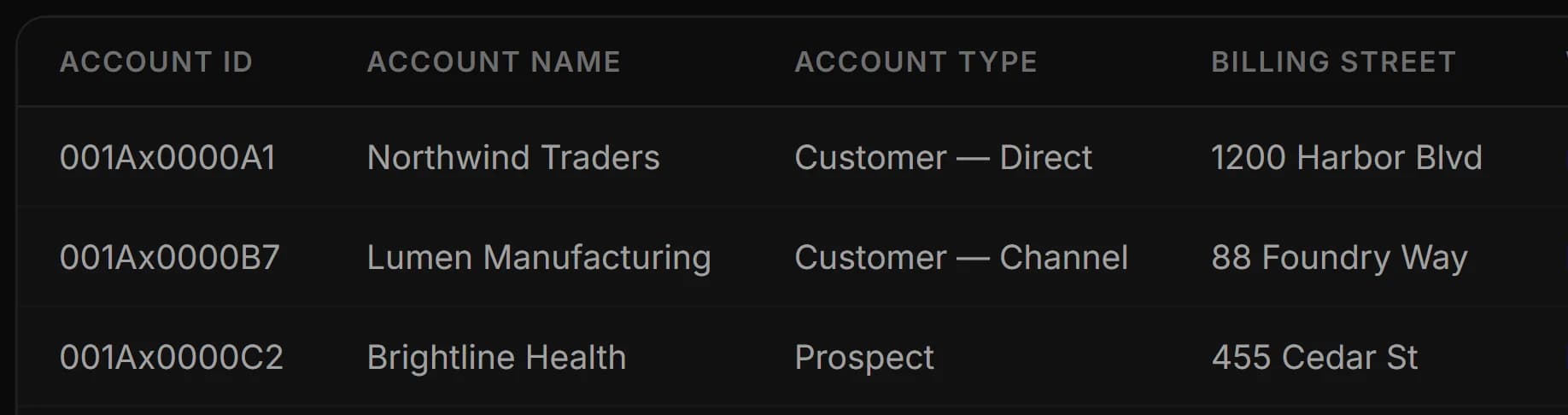
Koto connects to a Salesforce org, lets you build a "view" — an object, a set of fields, a filter — and turns it into a link. Anyone with the link sees live, searchable, sortable data. No login, no license, no export.


Solo, end to end: product, design, and every line of the stack.
- The MCP server enforces its own limits at the source. A hiring-manager-grade AI assistant asking for "the top 200 records" gets exactly that — the row cap is enforced inside the Salesforce query itself (
ORDER BYthe view's sort,LIMITn+1,COUNT()only on overflow), not by pulling a much larger result and slicing it client-side. - A security sweep found what a quick pass misses. Closed four exposures reachable through the public anonymous key, plus one row-level-security policy leak. The database now shows zero findings.
- Billing had to survive concurrent webhooks. Stripe can (and does) fire the same event more than once. A compare-and-swap on the subscription state makes replays a no-op instead of a double-charge.
- Accessibility was measured, not eyeballed. The primary button's contrast went from 2.19:1 (fails) to 9.03:1, by putting near-black text on mint instead of white.
- Motion fails safe. The scroll-reveal script adds a class before paint and a 2.5-second watchdog removes it if the animation bundle never loads — a broken chunk can't leave the page blank.
Where it stands
Live, in active use, early. Free / Pro / Business tiers. The interesting part isn't the traction number — it's that every piece above, security included, was built and shipped by one person.
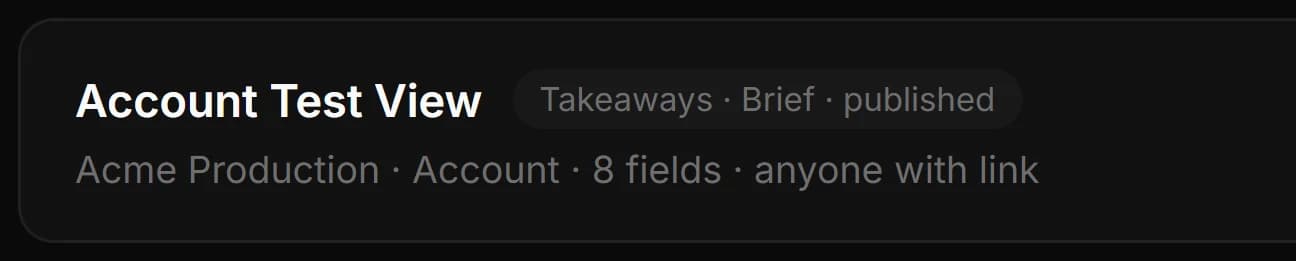
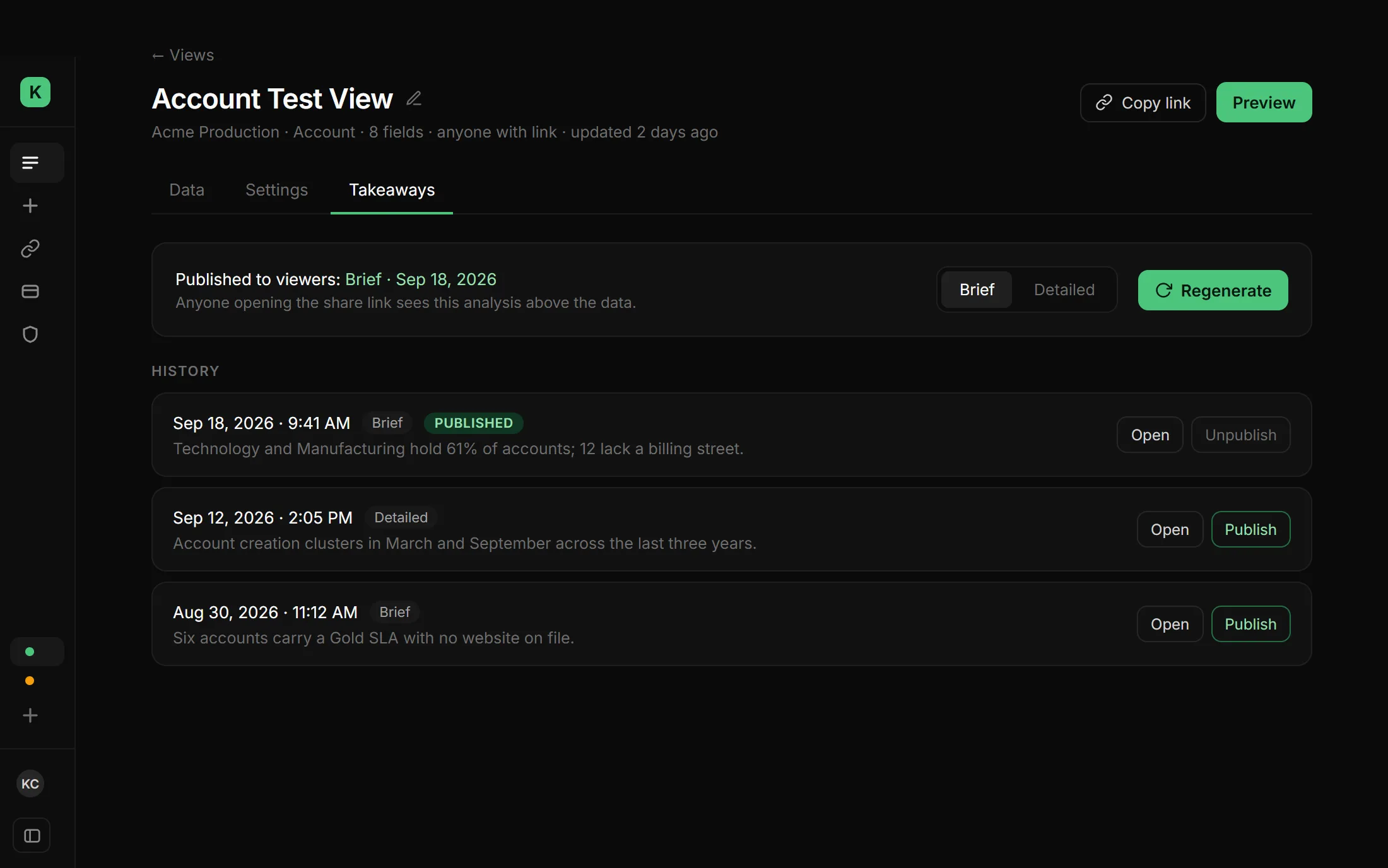
The screens on this page are a design direction for the next version of the dashboard — a slim sidebar, and per-view Data, Settings and Takeaways tabs — not the interface running today.
What this taught me
Security work doesn't announce itself the way a feature does. There's no demo, no screenshot — just the absence of a problem nobody would have noticed until it was too late. Building solo meant there was no one else to catch what I missed, which is exactly why the sweep happened at all.